 Français
 English
Change the PHP version.
Each website has its own PHP version, from the most recent ones to older ones. The change takes effect within seconds and can be undone the same way, without touching your files.
1. See the website's version
In your client area, open Hosting, then click the site's name. The PHP version appears under its name and in the Site status block. An orange dot there marks an old version: switch to a newer one for security and speed.
2. Choose the new version
In Site status, click Change on the PHP line.
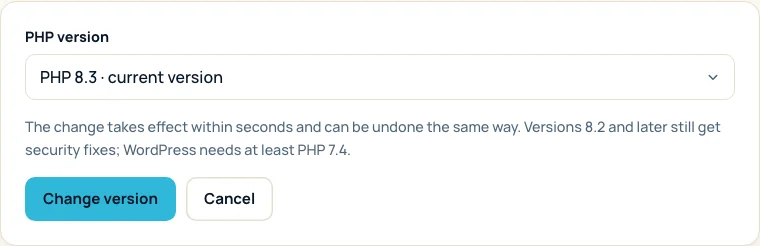
Choose the version, then click Change version. The website runs on the new version as soon as you are back on its screen.
Which version to choose
Versions 8.2 and later still receive security fixes. WordPress needs at least PHP 7.4 and works with recent versions, provided your plugins and theme keep up.
A website shows an error after the change? Switch back to the previous version with the same form. With the Pro and Agence plans, you can also try the new version on a staging copy before touching the live website.